
To identify bottom, bait, and fish on your fishfinder, start by observing the display for a flat, consistent line showing the bottom, which can vary from sandy to rocky. Look for small, tight clusters or arcs to spot bait fish, and larger, elongated arches to find bigger fish. Movement patterns also help distinguish between bait and predatory species. With practice, you’ll become more confident; keep exploring the tips in this guide to improve your skills further.
Key Takeaways
- Recognize the bottom by flat, continuous echoes; rocky or vegetated areas appear as irregular or textured profiles.
- Identify bait fish as small, tight clusters or tiny arcs that move steadily or dart quickly.
- Detect larger fish through bigger, elongated arches; schools often appear as grouped, moving patterns.
- Use mode settings like 2D, Down Imaging, or Structure Scan to better visualize bottom features and fish behavior.
- Adjust sensitivity, contrast, and depth range to improve clarity and differentiate between bottom, bait, and fish signals.

Humminbird Transom Temperature Transducer with MEGA Side/Down Imaging, 2D, for XPLORE, APEX and SOLIX – XM 14 20 MSI T
Transom-Mount Transducer: Delivers MEGA Side Imaging, MEGA Down Imaging, and DualBeam PLUS sonar for compatible Humminbird models
As an affiliate, we earn on qualifying purchases.
As an affiliate, we earn on qualifying purchases.
How Fishfinders Detect Bottom Terrain and What to Look For

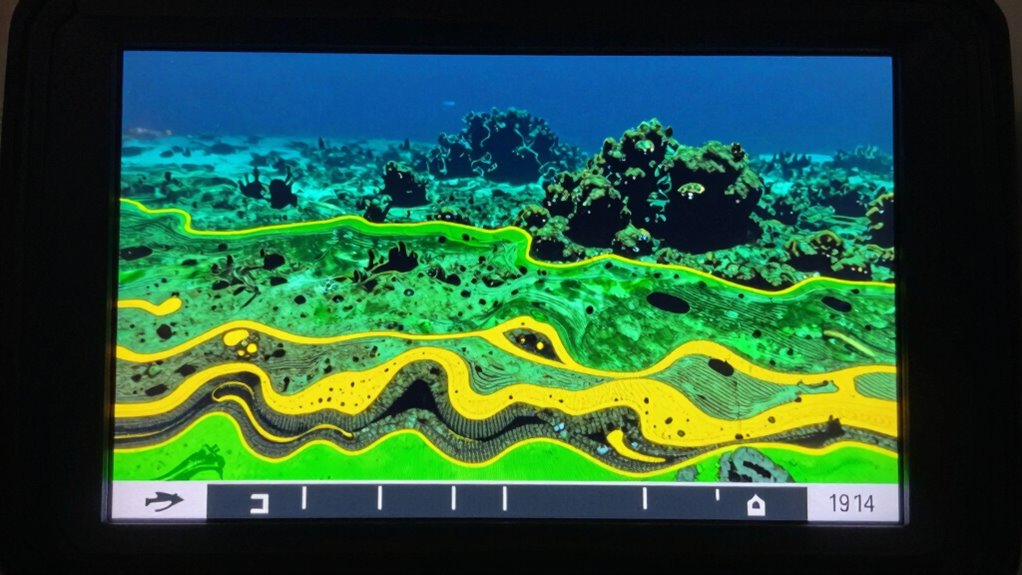
Fishfinders detect bottom terrain by sending sonar pulses downward and interpreting the returning echoes. As the sound waves bounce back, you’ll see variations on your screen that reveal features like rocks, sand, or submerged structures. Look for irregularities or sudden changes in the bottom profile, which often indicate underwater vegetation or debris. Water temperature also influences readings; warmer areas may show different echo patterns compared to colder spots. Underwater vegetation appears as dense, bushy structures that stand out from the smoother bottom. Recognizing these patterns helps you identify productive fishing spots. Pay attention to how the bottom appears on your display—whether it’s flat, rocky, or covered with vegetation—since these features are key indicators of where fish might be hiding. Additionally, understanding how sonar technology can further improve your ability to interpret bottom terrain accurately. Being familiar with the underwater landscape and its features can help you make better fishing decisions in various conditions, especially as advancements in fishfinder displays continue to enhance visual clarity. For example, some fishfinders incorporate 3D imaging, which provides a more detailed view of the bottom structure and helps differentiate between types of cover.

Eyoyo Underwater Fishing Camera 7 inch LCD Monitor Fish Finder Waterproof 1000TVL Fishing Camera 12pcs Infrared Lights for Lake, Boat, Ice Fishing
7" Color LCD Monitor: This Eyoyo underwater fishing camera features a 7-inch large TFT color screen with 800*480…
As an affiliate, we earn on qualifying purchases.
As an affiliate, we earn on qualifying purchases.
Recognizing Bait Fish on Your Fishfinder Screen
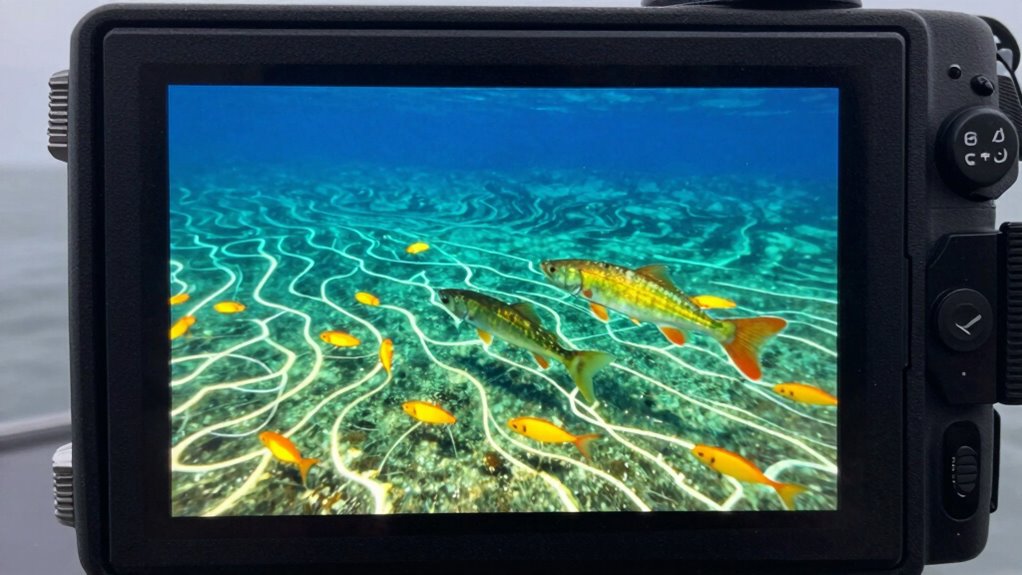
When you see small, tight clusters on your fishfinder, you’re likely looking at bait fish. Pay attention to their shapes and how they move across the screen—fast or steady movements can signal nearby predatory fish. Recognizing these signs helps you identify bait fish quickly and improve your chances of a successful catch. Additionally, understanding basic fish behavior can help you differentiate bait from target species more effectively. Observing fish schooling patterns can also provide insights into their activity levels and location, further aiding in your fishing strategy. Recognizing hive stability and pollination patterns in related contexts can also enhance your understanding of ecological interactions, indirectly benefiting your fishing knowledge. Monitoring environmental conditions such as water temperature and clarity can further refine your ability to locate bait and target species effectively. Being aware of water current movements can also help you predict where bait fish might gather.
Identifying Bait Fish Shapes
Have you ever wondered how to spot bait fish quickly on your fishfinder screen? Recognizing bait fish shapes is key to identifying bait fish effectively. Bait fish typically appear as small, elongated, or oval-shaped echoes that stand out from larger fish or the bottom. To improve your ability to identify bait fish, look for these common shapes:
- Tiny, thin arcs or lines
- Small, oval or rounded blobs
- Short, straight lines with slight curves
- Clusters of mini echoes forming loose patterns
- Consistent size and shape compared to bigger fish
Understanding the appropriate flywheel and engine upgrades can also enhance your overall fishfinder performance, making it easier to distinguish bait from other echoes. Additionally, recognizing the Glycolic Acid benefits in your skincare routine can help maintain clear and healthy skin, free from blemishes or irritation caused by environmental factors.
Recognizing Bait Fish Movements
Recognizing bait fish movements is essential for successful fishing, as these subtle motions can signal a nearby school of bait. Bait fish behavior often includes quick, darting movements or slow, steady swims that create distinct movement patterns on your fishfinder screen. Look for small, tightly packed groups that shift direction suddenly or drift in a uniform manner. These movement patterns indicate active bait, which can attract predatory fish. Pay attention to how the bait school reacts to your boat’s presence—if they scatter or swim rapidly, you’re close to a feeding area. By observing these behaviors, you can better interpret bait fish activity and increase your chances of locating larger game fish nearby. Recognizing these movements is key to understanding bait fish behavior and improving your overall fishing strategy. Additionally, using a free online tool to analyze different display styles can help you better identify bait schools on your fishfinder screen.

Garmin Striker Vivid 4cv, Easy-to-Use 4-inch Color Fishfinder and Sonar Transducer, Vivid Scanning Color Palettes – 010-02550-00
Easy-to-use 4-inch color fishfinder with new vivid scanning sonar color palettes to easily distinguish fish and structure; tilt/swivel…
As an affiliate, we earn on qualifying purchases.
As an affiliate, we earn on qualifying purchases.
Identifying Fish Species by Arches and Symbols
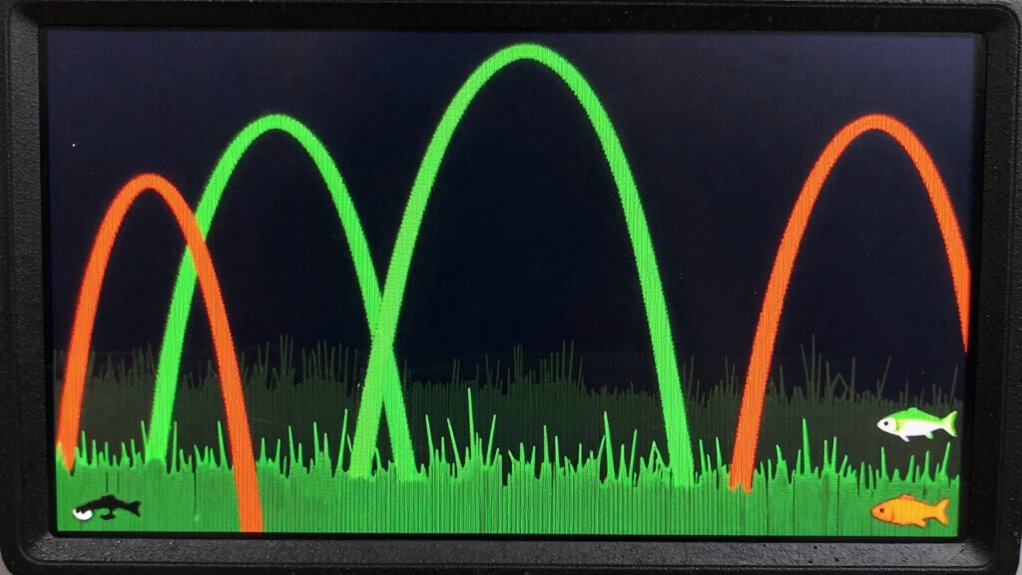
Understanding fish species on your fishfinder often comes down to interpreting arches and symbols on the display. Proper arch interpretation helps you distinguish between different fish types, making species identification easier. Look for the size and shape of arches—larger, more elongated arches often indicate bigger fish, while smaller, tighter arches suggest smaller species. Symbols may also appear as fish icons or clusters, representing schools. Pay attention to the pattern and movement of these signals, as they provide clues about species behavior. Recognizing these details allows you to target specific fish more effectively and avoid confusion. Additionally, understanding how AI integration impacts fishfinder technology can enhance your ability to interpret readings more accurately. AI-driven features can analyze signal patterns and assist in quick identification, making your fishing experience more efficient. As signal processing advances, the clarity of these readings continues to improve, helping anglers make more informed decisions. Embracing regional flavor insights can also help in identifying species based on their typical habitats and behaviors in different areas. Staying aware of regional habitat differences can further refine your interpretation skills and improve fishing success.
IPG Anti-Glare Made for Lowrance Elite FS 9 FishFinder Display Matte Finish Screen Protector Film, Perfect for Outdoor Use for EliteFS9
📌 See clearly, anywhere. IPG Anti-Glare Protectors reduce reflections and enhance clarity. Perfect for outdoor use and bright…
As an affiliate, we earn on qualifying purchases.
As an affiliate, we earn on qualifying purchases.
Getting to Know Your Fishfinder Modes: 2D, Down Imaging, and Structure Scan
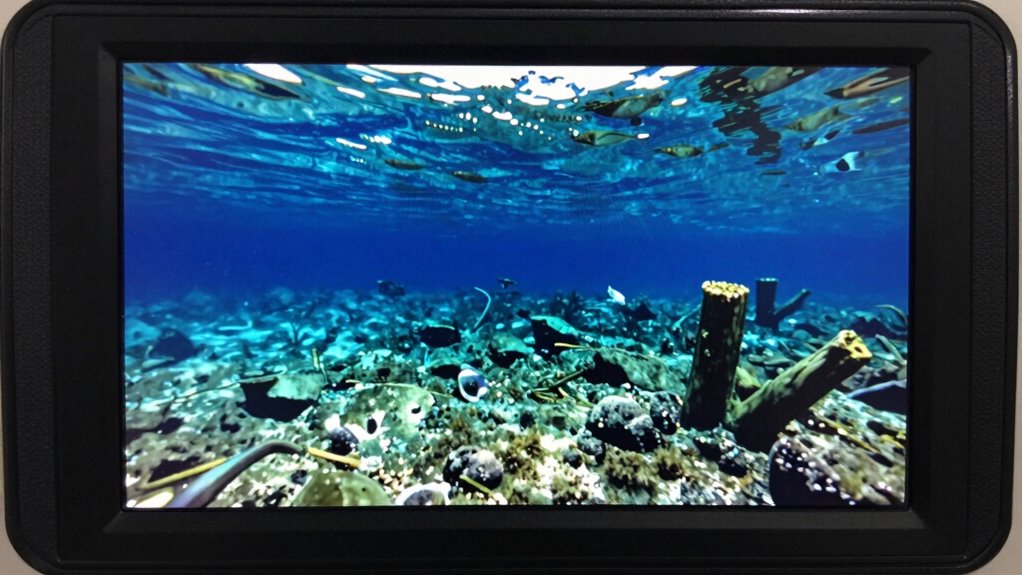
Choosing the right fishfinder mode can considerably improve your chances of locating fish effectively. Each mode offers unique advantages based on how the sonar signal is displayed. The 2D mode provides a traditional, broad view, ideal for spotting schools and bottom contours. Down Imaging delivers detailed images directly beneath your boat, revealing bait and fish structures. Structure Scan offers a detailed, almost three-dimensional perspective, helping you recognize underwater formations. To get the best results, ensure your display calibration is accurate for each mode, so readings are precise.
| Mode | Best for | Key Benefit | Ideal Conditions |
|---|---|---|---|
| 2D | General fishing, bottom detail | Wide coverage, simplicity | Clear, calm waters |
| Down Imaging | Fish-holding structures | Clear, detailed images | Deep or complex habitats |
| Structure Scan | Underwater formations | 3D-like visualization | Structure-focused fishing |
Adjusting Depth and Range Settings for Better Detection
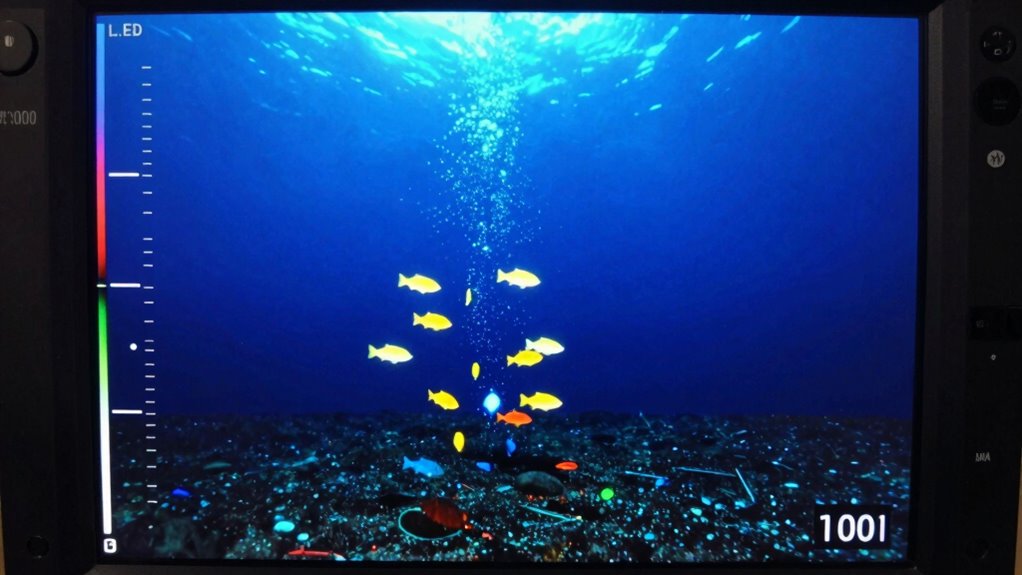
Adjusting the depth and range settings on your fishfinder is essential for obtaining accurate and detailed readings. Properly calibrated display and peak signal strength help you see clearly what’s beneath the surface. When you set the right depth, you focus on the area where fish and structures are likely to be. Adjusting the range prevents unnecessary clutter, giving you a sharper view of targeted zones. Keep an eye on display calibration to ensure the screen reflects real distances. If the signal strength is weak, try adjusting the sensitivity settings to improve detection. Here are some tips to enhance your settings:
- Match depth with actual water column
- Use narrow range for detailed views
- Expand range in deep water
- Calibrate display regularly
- Increase signal sensitivity when needed
- Understanding best gear and knives can help you choose the right equipment for effective fishing. Regularly checking fishfinder calibration ensures your readings remain accurate and reliable. A well-calibrated display ensures your readings are precise and helps you make better decisions on the water. Additionally, understanding water column dynamics can assist in optimizing your settings for different conditions. Incorporating knowledge of measurement tools can further improve your ability to interpret fishfinder data accurately.
How to Improve Visibility Using Clarity and Contrast Settings
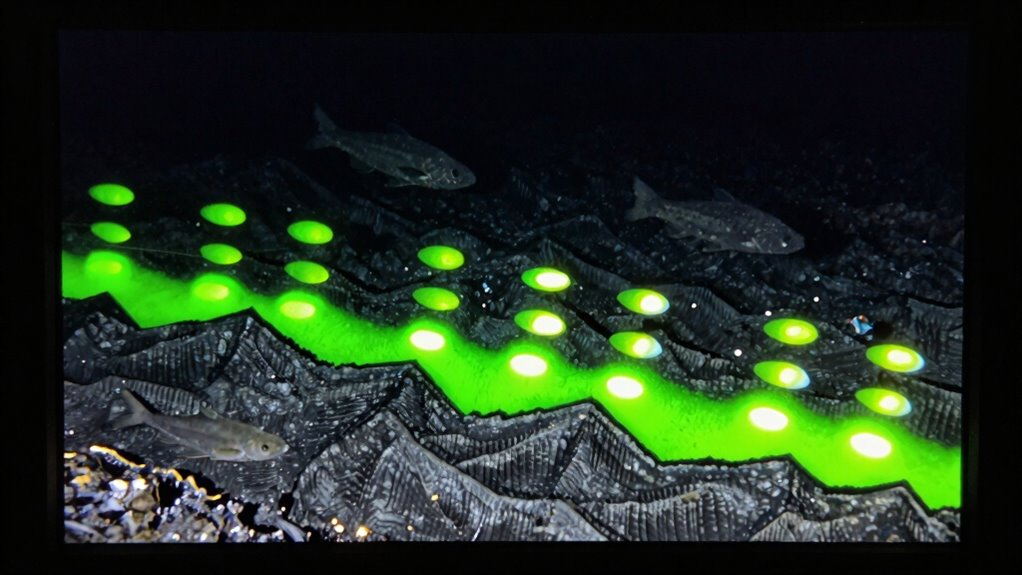
Once you’ve set your depth and range for ideal detection, enhancing visibility becomes the next step. Adjust the water clarity setting to match current conditions; clearer water allows for sharper, more defined images, while murkier water may require increased contrast. Increasing screen contrast helps differentiate between the bottom, bait, and fish, making targets stand out more clearly. Experiment with these settings to find a balance that improves overall visibility without losing detail. If the display appears washed out or too dull, boost the contrast; if it’s too harsh, dial it back slightly. Keep in mind that water clarity varies daily, so tweaking contrast and clarity helps adapt your fishfinder for maximum detection regardless of conditions.
Spotting Bait and Fish Schools: Signs to Watch For
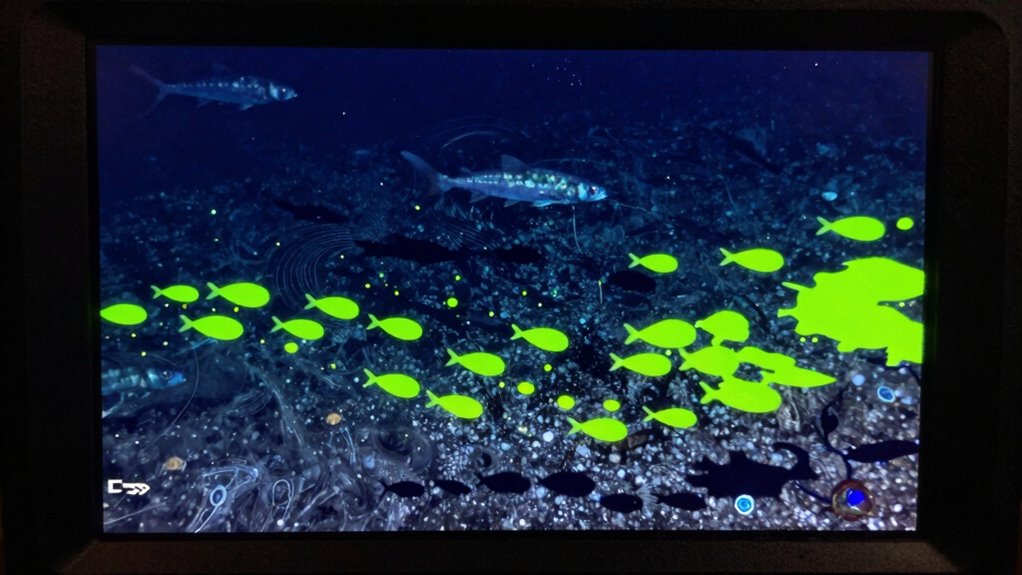
Watch for bait ball movements, which often look like tight clusters on your fishfinder. Sharp arc patterns can indicate active feeding fish nearby. Recognizing these signs helps you target schools more effectively.
Bait Ball Movements
Bait ball movements are a key indicator of nearby fish activity and can help you locate schools more effectively. Watching how bait balls move can reveal predator-prey interactions happening beneath the surface. Fast, darting movements often signal predatory fish circling, ready to strike. Conversely, slow, swirling bait balls suggest a calmer state, possibly prey regrouping. Look for bait balls that suddenly burst apart or change direction—these are signs predators are on the hunt. You might also notice bait balls moving in tight clusters or scattering across the sonar screen. These movements give you clues about where the feeding activity is happening, guiding your next spot and increasing your chances of a successful catch.
- Rapid dispersal indicates a predator attack
- Tight, swirling balls suggest prey regrouping
- Sudden movement changes signal predator presence
- Bait balls moving in unison show active feeding
- Scattered bait balls imply prey escape or disturbance
Fish Arc Patterns
Fish arc patterns on your sonar display are key visual clues for spotting bait schools and active fish. These patterns appear as curved lines, or arcs, indicating fish or bait moving through the sonar’s sonar visualization. When you see tight, symmetrical arcs clustered together, it often signals a school of bait or feeding fish nearby. Larger, more spread-out arcs may represent bigger fish cruising at different depths. Pay attention to how these arcs move—constant movement suggests active feeding, while stationary arcs could mean resting fish. Recognizing these patterns helps you identify where the fish are concentrated. Over time, you’ll develop an eye for the subtle differences in fish arc patterns, making your sonar readings more effective for locating fish and bait quickly and accurately.
Troubleshooting Confusing Readings and Improving Accuracy
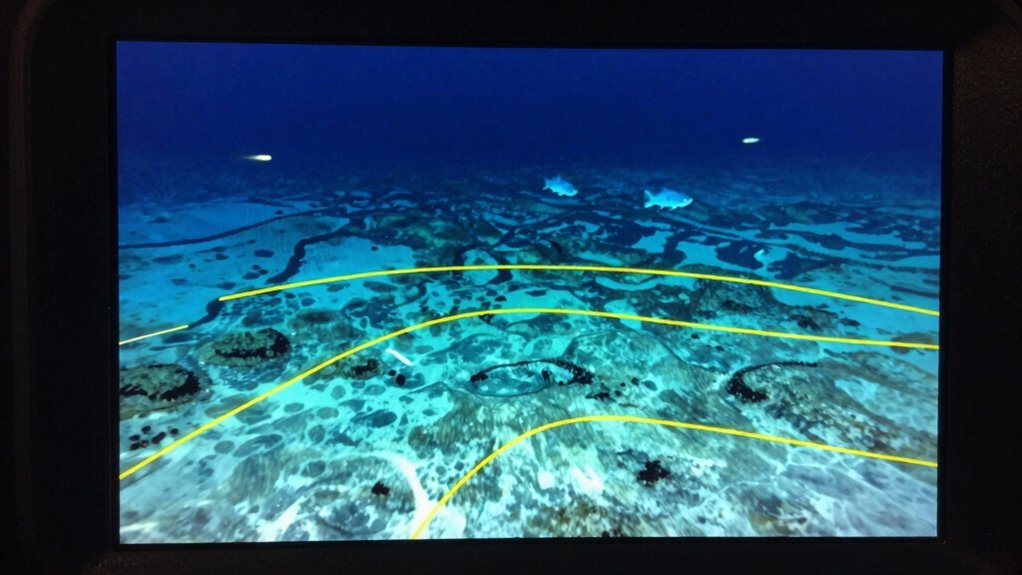
Sometimes, fishfinder readings can be confusing or seem inaccurate, but most issues stem from settings or environmental factors that can be adjusted. To improve accuracy, start with sensor calibration, ensuring your device’s sonar transducer is properly aligned and functioning. Managing power settings is also essential; too much power can create clutter, while too little might miss details. Keep an eye on the depth range to match your fishing areas. Adjust the sensitivity to filter out noise and enhance target clarity. Regularly check for debris or damage on your transducer, as this affects readings. Additionally, consider environmental factors like thermoclines or current, which can distort signals. Fine-tuning these elements will help you interpret fishfinder images more accurately and confidently.
Tips to Practice and Get Better at Reading Your Fishfinder

Practicing regularly is the key to becoming confident and skilled at reading your fishfinder. Start by ensuring your fishfinder calibration is accurate; this helps your readings reflect real conditions. Pay close attention to sonar signal strength, as a strong signal produces clearer images, making it easier to identify bottom, bait, and fish. Experiment with different depths and locations, noting how changes affect the display. Focus on interpreting the echoes and adjusting your approach based on what you see. Keep a journal of your observations to track patterns and improve your understanding over time. Consistent practice will help you recognize subtle differences in readings and refine your ability to make quick, accurate assessments while on the water.
Next Steps: Optimizing Settings and Reading Techniques for Success
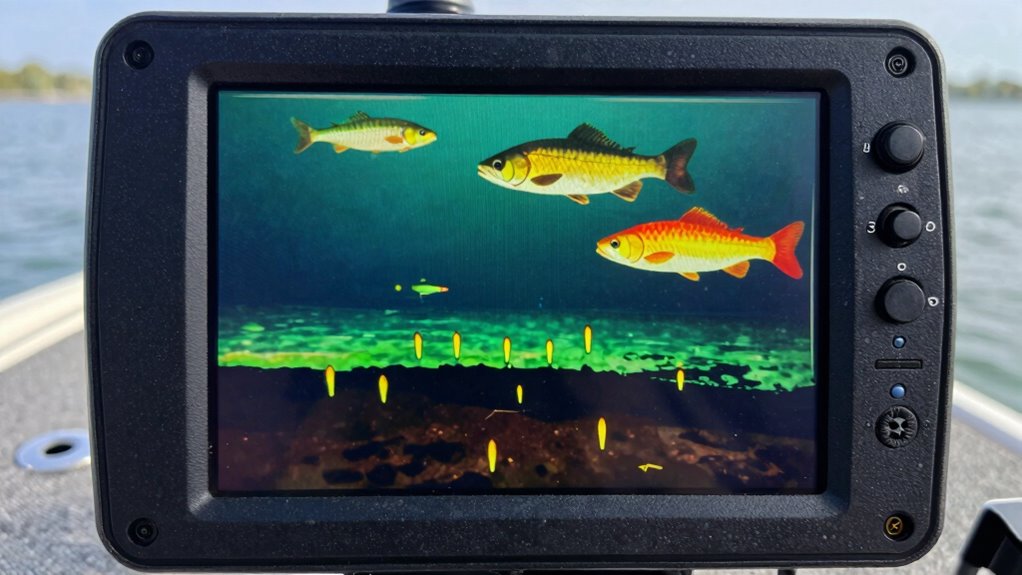
To get the most out of your fishfinder, you need to optimize its settings and refine your reading techniques. Adjust the sensitivity to detect subtle signals, especially when water temperature affects fish behavior. Pay attention to underwater currents, as they influence fish locations and bait movement. Use the zoom feature to focus on promising areas, and set the depth range accurately for your fishing zone. Experiment with different frequency settings; higher frequencies give clearer images in shallow water, while lower frequencies penetrate deeper. Keep an eye on water temperature data, as it impacts fish activity and bait placement.
- Fine-tune sensitivity based on conditions
- Monitor underwater currents for better bait placement
- Adjust depth and frequency settings accordingly
- Use temperature info to predict fish behavior
- Practice reading different bottom types efficiently
Frequently Asked Questions
How Does Water Temperature Affect Fishfinder Readings?
Water temperature effects your fishfinder readings by influencing fish activity patterns and their location. Warmer water often makes fish more active and closer to the surface, making them easier to spot. Conversely, colder water causes fish to move deeper, which can make readings less clear. Keep an eye on temperature changes, as they directly impact where fish gather and how well your fishfinder displays their presence.
Can Fishfinders Differentiate Between Species Automatically?
Imagine a wise guide that can hint at what’s beneath the surface, and yes, many fishfinders now feature species identification with automatic differentiation. They use advanced sonar and software to analyze echoes, helping you distinguish between different fish types. While they don’t always get it perfect, these tools considerably enhance your chances of knowing what’s swimming below, giving you a better shot at a successful catch.
What Is the Ideal Battery Life for Consistent Readings?
For consistent readings, aim for a fishfinder with at least 8 to 10 hours of battery longevity. This guarantees you won’t be interrupted during a day’s fishing trip. To maximize power management, turn off your device when not in use and adjust screen brightness. Using quality batteries also helps uphold reliable performance. Regularly check your battery status to avoid surprises and keep your fishfinder running smoothly all day long.
How Do Depth and Water Clarity Influence Detection Accuracy?
Like a clear window into the water, water clarity greatly impacts detection accuracy. When water’s crystal-clear, your fishfinder can easily distinguish fish and structures from the bottom. However, murky water creates a foggy view, making detection tricky. Depth also plays a role; the deeper the water, the harder it is for signals to reach, reducing accuracy. To get the best readings, aim for clear water and keep depth in mind.
Are There Specific Settings for Saltwater Versus Freshwater Fishing?
Yes, there are specific settings for saltwater versus freshwater fishing. You should make salinity adjustments on your fishfinder to optimize readings, as saltwater’s higher salinity affects sound wave transmission. Also, verify proper equipment calibration for each environment; freshwater and saltwater settings differ to account for variations in water density and conductivity. Adjust these settings before you start fishing to improve detection accuracy and identify fish, bait, and bottom more effectively.
Conclusion
With practice, reading your fishfinder becomes second nature, like reading a map in unfamiliar territory. By understanding bottom terrain, bait, and fish signals, you’ll navigate the waters with confidence. Remember, each reading is a puzzle piece, helping you piece together the bigger picture. Keep experimenting with settings and techniques, and soon, you’ll be uncovering hidden underwater treasures just like a skilled explorer unearthing secrets beneath the waves.