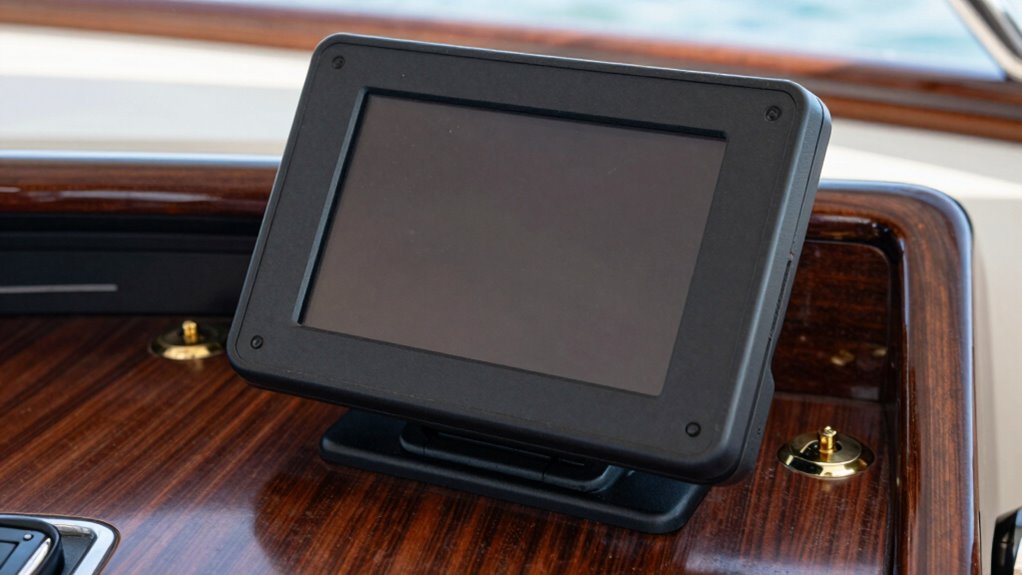
To mount a chartplotter so it doesn’t glare or vibrate, choose a shady spot or add an anti-glare screen, and position it at eye level for easier viewing. Use a shock-absorbing mount with vibration dampening features and make sure it’s tightly secured to prevent movement. Manage cables neatly to avoid additional noise, and test the setup by simulating boat conditions. Keep exploring to discover detailed tips for perfect installation.
Key Takeaways
- Mount the chartplotter at eye level in shaded or adjustable areas to reduce glare and improve visibility.
- Use anti-glare screens and marine-grade mounts with vibration dampening features for stability.
- Secure the mount firmly with shock-absorbing components to minimize vibrations from engine noise or rough waters.
- Manage cables neatly and ensure the device is connected to a stable power source to prevent flickering.
- Adjust the mounting angle and test stability under simulated boat conditions for optimal clarity and steadiness.

IPG Anti-Glare Made for Simrad NSX ULTRAWIDE 3012UW 12 Inch Chartplotter Fishfinder Display Matte Finish Screen Protector Film, Perfect for Outdoor Use for NSX-12
📌 See clearly, anywhere. IPG Anti-Glare Protectors reduce reflections and enhance clarity. Perfect for outdoor use and bright…
As an affiliate, we earn on qualifying purchases.
As an affiliate, we earn on qualifying purchases.
What Causes Glare and Vibration When Mounting Your Chartplotter?
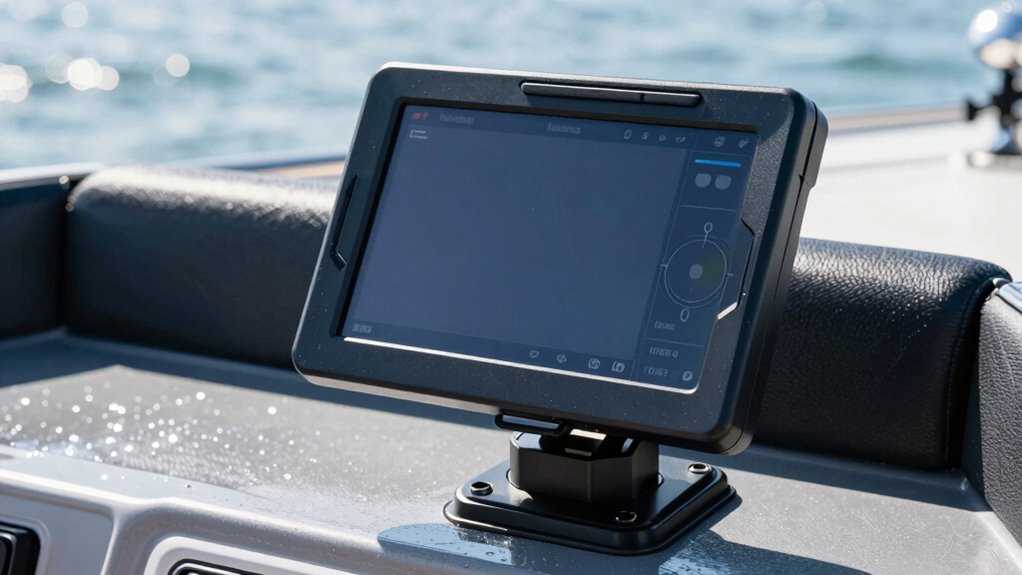
Glare and vibration often occur when mounting your chartplotter because of improper placement or insufficient mounting techniques. Sun glare is a common issue caused by positioning the device in direct sunlight, making the screen difficult to read. If your chartplotter isn’t angled correctly or is placed in a location with harsh sunlight, you’ll struggle to see essential information. Mount vibration also plays a role; if your device isn’t securely fastened or is mounted on a flexible surface, vibrations from engine noise or rough waters can cause the display to shake. This not only hampers visibility but can also damage the unit over time. To avoid these issues, choose a stable, shaded location with minimal exposure to direct sunlight, and ensure your mount is secure and vibration-resistant. Proper mounting techniques are essential for long-term durability and optimal visibility. Additionally, using anti-vibration mounts can significantly reduce the impact of boat movement on your device. Ensuring that your mount is shock-absorbing can further enhance stability and protect your chartplotter from vibration-related damage. Incorporating vibration damping materials into your mounting setup can also help minimize the transfer of shocks and vibrations. Applying appropriate mounting hardware can further improve the overall stability and performance of your chartplotter.

WINDFRD Kayak Fish Finder Mount with Transducer Mounting Arm, 1.5" Ball Marine Electronic Mount for Boat Track, Universal Mounting Plate, Compatible with Scotty, Lowrance, Garmin Fish Finders
Combination design – Designed for kayak and SUP anglers needing an easy way to install the fishfinder screen…
As an affiliate, we earn on qualifying purchases.
As an affiliate, we earn on qualifying purchases.
How Do You Find the Best Spot on Your Boat for a Clear View?
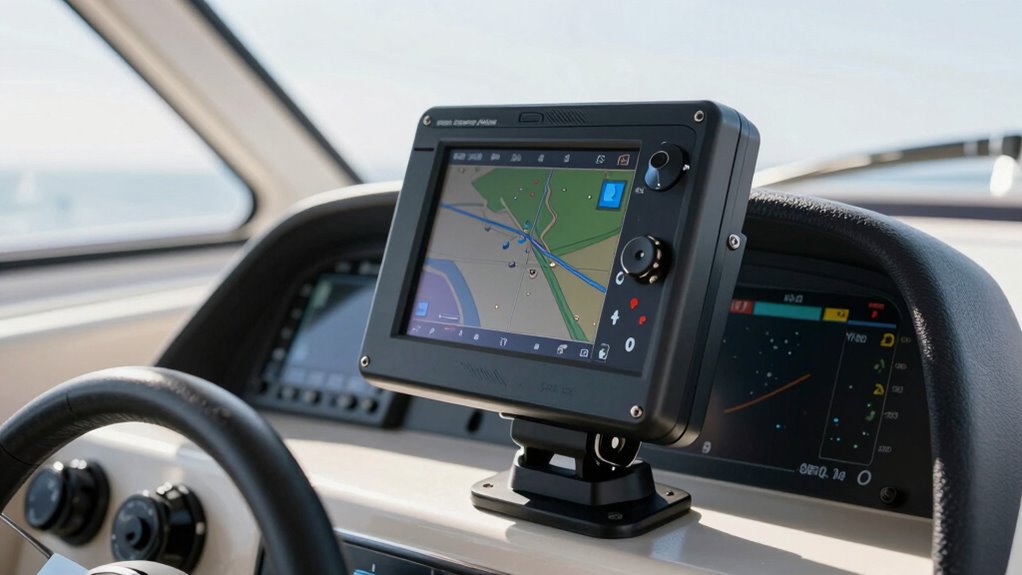
Finding the best spot on your boat for a clear view involves considering both visibility and safety. First, choose a location with minimal glare from sunlight, ideally shaded or with adjustable shading options. Second, ensure the spot stays clear of obstructions like navigation lighting or handrails that could block the screen. Third, verify that the mount can be sealed with waterproof seals to prevent water intrusion and damage. Positioning your chartplotter at eye level reduces neck strain and keeps your view unobstructed. Keep in mind, a good spot also allows easy access to power and data connections while maintaining a steady, vibration-free environment. Taking these factors into account helps guarantee a safe, clear, and durable installation.

MGA015PB6 Mounting Isolator Kit Effectively Absorb Shocks and Protect Electronics, Include Anti-Corrosion Bolts, Vibration Dampening Set of 4
【Superior Shock Absorption】High-performance rubber isolators absorb vibrations and shocks, protecting sensitive electronics from damage during marine operations. Ideal…
As an affiliate, we earn on qualifying purchases.
As an affiliate, we earn on qualifying purchases.
What Equipment and Mounts Help Reduce Glare and Vibration?
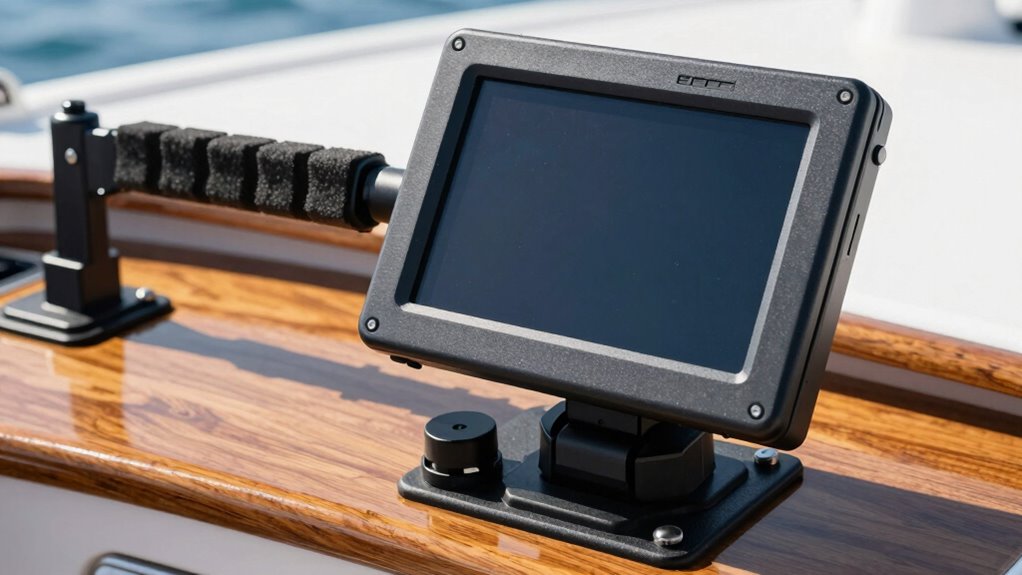
To effectively reduce glare and vibration, choosing the right equipment and mounts is vital. Anti glare screens are a great addition, as they help minimize reflections from sunlight, making your chartplotter easier to see in bright conditions. Shock absorbing mounts are equally important; they dampen vibrations caused by boat movement, ensuring a steadier display. These mounts typically feature rubber or gel components that absorb shock, reducing the jarring motion that can distort your view. Incorporating proper equipment selection can significantly enhance your setup’s effectiveness. Additionally, selecting mounts with adjustable positioning allows for optimal viewing angles, further improving visibility and comfort. Using mounts with vibration dampening features can further improve stability by reducing the impact of boat movements, leading to clearer readings. Combining anti glare screens with shock absorbing mounts provides a dual approach to improve visibility and stability. Selecting mounts with marine-grade durability ensures long-lasting performance in harsh marine environments.

WINDFRD Aluminium Fish Finder & Chartplotter Mount, Reinforced Horizontal Swing Arm Marine Electronic Mount for 5" to 12" Screens, Compatible with Garmin, Lowrance, Humminbird and More Depth Finder
Heavy Duty – Extra strong load-bearing marine electronic mount is made of all aluminium and can hold up…
As an affiliate, we earn on qualifying purchases.
As an affiliate, we earn on qualifying purchases.
How Can You Install Your Chartplotter for a Steady, Clear Display?
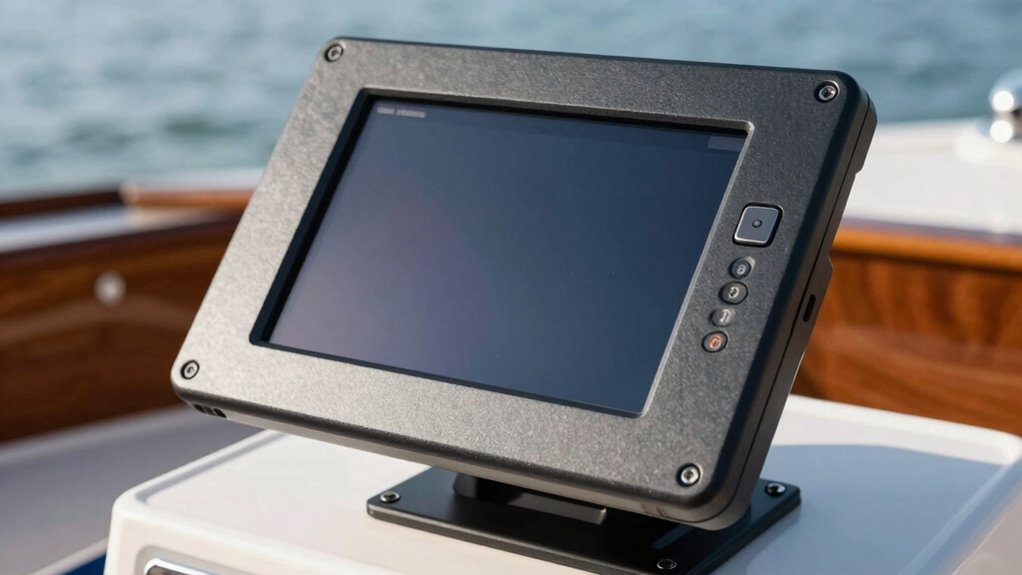
Properly installing your chartplotter is essential for ensuring a steady and clear display while steering. To achieve this, focus on these key steps: 1. Secure the mount firmly to prevent vibrations that cause blurring. 2. Manage cables neatly using cable management solutions to avoid tangling and interference. 3. Connect to a stable power supply to prevent flickering or loss of display during rough conditions. 4. Consider the impact of nanotech fabrication on the durability of mounting components for long-term stability. Additionally, understanding how material properties influence mounting stability can help you select the best hardware for your setup. Proper placement also involves ensuring the mount is level and positioned at eye level for ideal visibility. Keep cables away from moving parts or areas prone to moisture. Use quality connectors and secure all connections tightly. Proper cable management not only keeps your setup tidy but also minimizes vibration transmission. Incorporating advanced stabilization techniques can further enhance display steadiness in challenging environments. Using vibration damping materials can significantly reduce the transfer of vibrations from the boat to your device, ensuring a clearer display. Recognizing how material compatibility affects the longevity of your mounting setup can help prevent future issues. A stable power supply guarantees consistent performance, providing you with a clear, steady display for safe navigation.
How Do You Test and Adjust Your Mount for Optimal Performance?
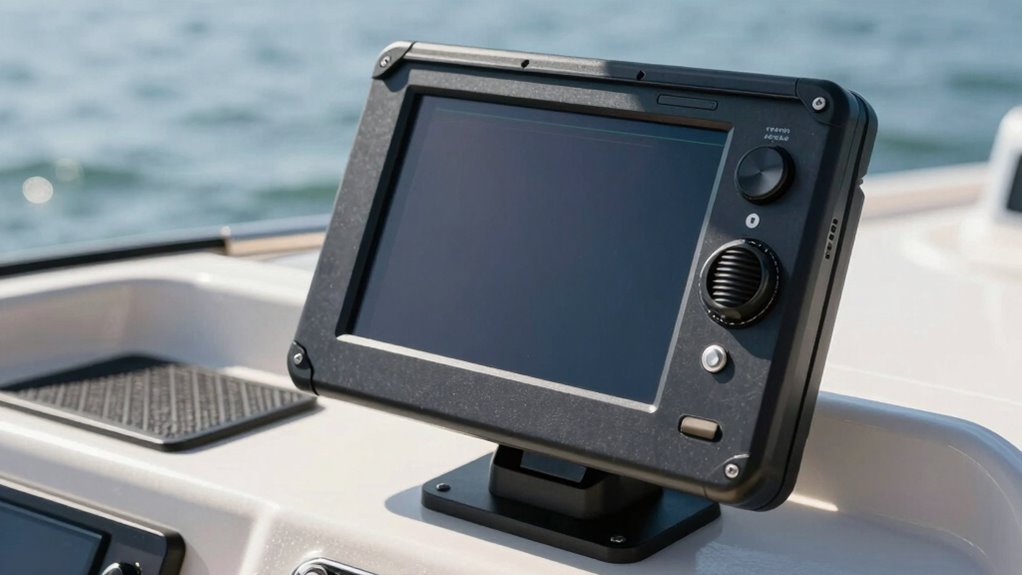
Before you start testing your mount, make sure the chartplotter is fully connected and powered on. To evaluate mounting angles and guarantee minimal glare or vibration, perform testing procedures by adjusting the position slightly. Observe the display from your usual viewing angles and check for reflections or distortion. Use the following table to guide your adjustments:
| Adjustment Step | What to Check |
|---|---|
| Change mounting angles | Ensure clear visibility from all viewing positions |
| Test vibrations | Confirm stability during simulated conditions |
| Optimize tilt and rotation | Minimize glare and improve readability |
Repeating these steps, fine-tuning until the display remains steady and glare-free from your typical vantage points, is essential. Proper testing guarantees your mount performs at its best and provides a clear, steady view. Considering regional lighting conditions can influence the optimal viewing angles, especially if you are in a location with high ambient light or specific glare challenges. Additionally, mount stability during testing helps prevent future issues with vibration or movement. Ensuring the proper mounting technique is used is crucial for long-term performance and safety. Incorporating appropriate mounting hardware can further enhance stability and durability over time.
Frequently Asked Questions
Can I Mount My Chartplotter on a Swivel or Adjustable Arm?
Yes, you can mount your chartplotter on a swivel or adjustable arm. Look for rotation options that allow you to easily turn and tilt the screen for ideal viewing. Choose an arm with good durability to withstand vibrations and harsh conditions on your boat. This setup gives you flexible positioning, reduces glare, and keeps your display steady during rough rides, making navigation safer and more comfortable.
What Materials Are Best for Vibration-Dampening Mounts?
Did you know rubber mounts can reduce vibrations by up to 80%? For vibration-dampening mounts, rubber is your best choice. It absorbs shocks effectively and minimizes glare and vibration. Dampening materials like silicone or foam also work well, providing extra cushioning. Use rubber mounts for a secure, vibration-free setup, ensuring your chartplotter stays clear and steady even in rough conditions.
How Often Should I Check the Mount’s Stability?
You should check your mounting security at least once a month to verify the chartplotter stays stable. Regular maintenance schedule helps catch any loosened screws or vibrations early, preventing damage or glare issues. Keep an eye on vibrations or wobbling, and tighten mounts as needed. Consistent inspections ensure your device remains secure, providing clear visibility and safe operation while on the water.
Is It Better to Install the Chartplotter Indoors or Outdoors?
You should install your marine electronics, like a chartplotter, indoors if possible, to safeguard it from weather and harsh conditions. Outdoor installations require extra waterproofing and robust mounting, which can be complex. For easier maintenance and better longevity, indoor installation is preferable, especially when following installation tips that ensure secure mounting and minimal glare or vibrations. This setup helps your device perform reliably and lasts longer.
Can Weather Conditions Affect the Mounting and Visibility?
Weather impact considerably affects your chartplotter’s visibility, with studies showing glare and fog reducing screen clarity by up to 50%. Rain, direct sunlight, and humidity create visibility challenges, making it harder to read data. Harsh weather can also loosen mounts or cause vibrations that distort images. To mitigate this, choose weather-resistant mounts and position your device where it’s less exposed to elements, ensuring clear, reliable navigation even in tough conditions.
Conclusion
By following these tips, you’ll have your chartplotter mounted like a pro—steady as a rock and clear as day. Think of it as giving your boat’s navigation a pair of sunglasses and a suspension system, so glare and vibrations don’t mess with your view. With the right spot, equipment, and installation, you’ll enjoy smooth sailing and crystal-clear readings. Now, set it up right and navigate with confidence, like a captain steering through calm waters.